Your rare music, anywhere
CDs, B-sides, live recordings, mixtapes — all the stuff that never made it to Spotify. Upload once, play forever.
Your CDs, mixtapes and rare tracks — uploaded once, streamed anywhere. On iPhone, Android, Web. Cast to anything.
Free. No ads. No tracking. No password ever.
Streaming services have a catalogue. You have a collection. flirp.cc gives your music a home that travels with you.
CDs, B-sides, live recordings, mixtapes — all the stuff that never made it to Spotify. Upload once, play forever.
Stream from the cloud on demand. Your gigabytes of music don't have to live on your phone — they just have to play on it.
Stream up to FLAC quality and cast to Chromecast, AirPlay, DLNA — your music sounds as good as it was meant to.
A complete cloud music player with the features audiophiles, DJs and collectors actually need.
14+ audio formats: MP3, FLAC, WAV, OGG, M4A, ALAC, AAC, WMA, APE, MPC, TTA, WV, AIFF, MO3. Drag, drop, done.
Build albums with custom artwork, ordered tracklists, artist and song titles. Your collection, your rules.
Native apps for iOS and Android, plus a full web player. Sign in once, your library follows you everywhere.
Chromecast, AirPlay, DLNA & UPnP, system audio routes — push playback to any speaker on your network.
Optimized, High, Ultra or lossless FLAC. Different presets for Wi-Fi and cellular — adaptive to your connection.
Download full albums for flights, subways and dead zones. Pick quality per album to balance storage and sound.
Colour-coded tags with include/exclude filters. Rename tags across your whole collection in one tap.
Generate a short code for any CD. Send the link — recipients can listen in the browser, no install required.
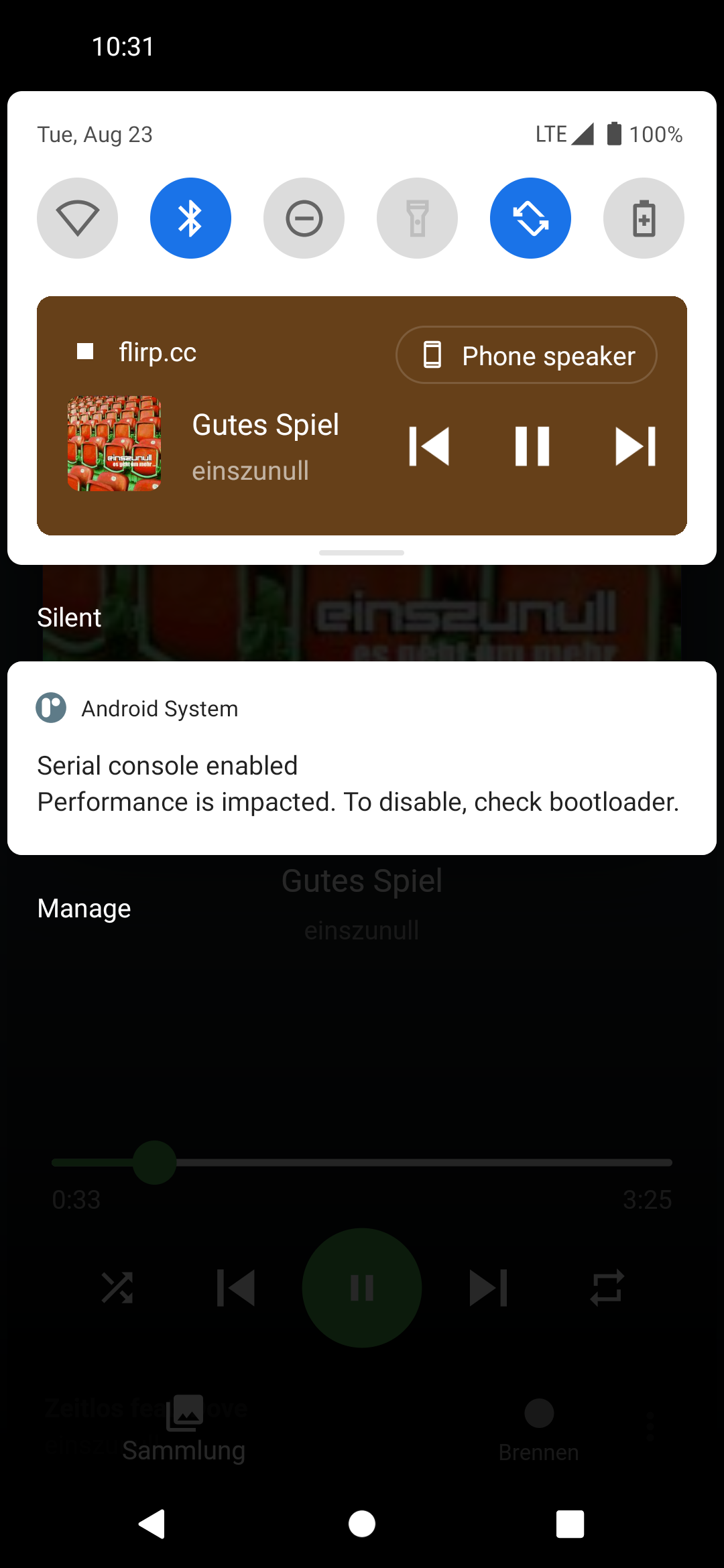
Lock-screen controls, Android Auto & CarPlay support, hardware key passthrough, home-screen widgets.
Sign in with a one-time email code. No passwords to forget, no password leaks to worry about.
Find any song, album or artist instantly. Search runs live as you type, across your entire collection.
Pull tracks from YouTube and other sources with full metadata extraction. Build CDs from any link.
Designed to be beautiful, fast, and obvious. Scroll through, then try it for yourself.
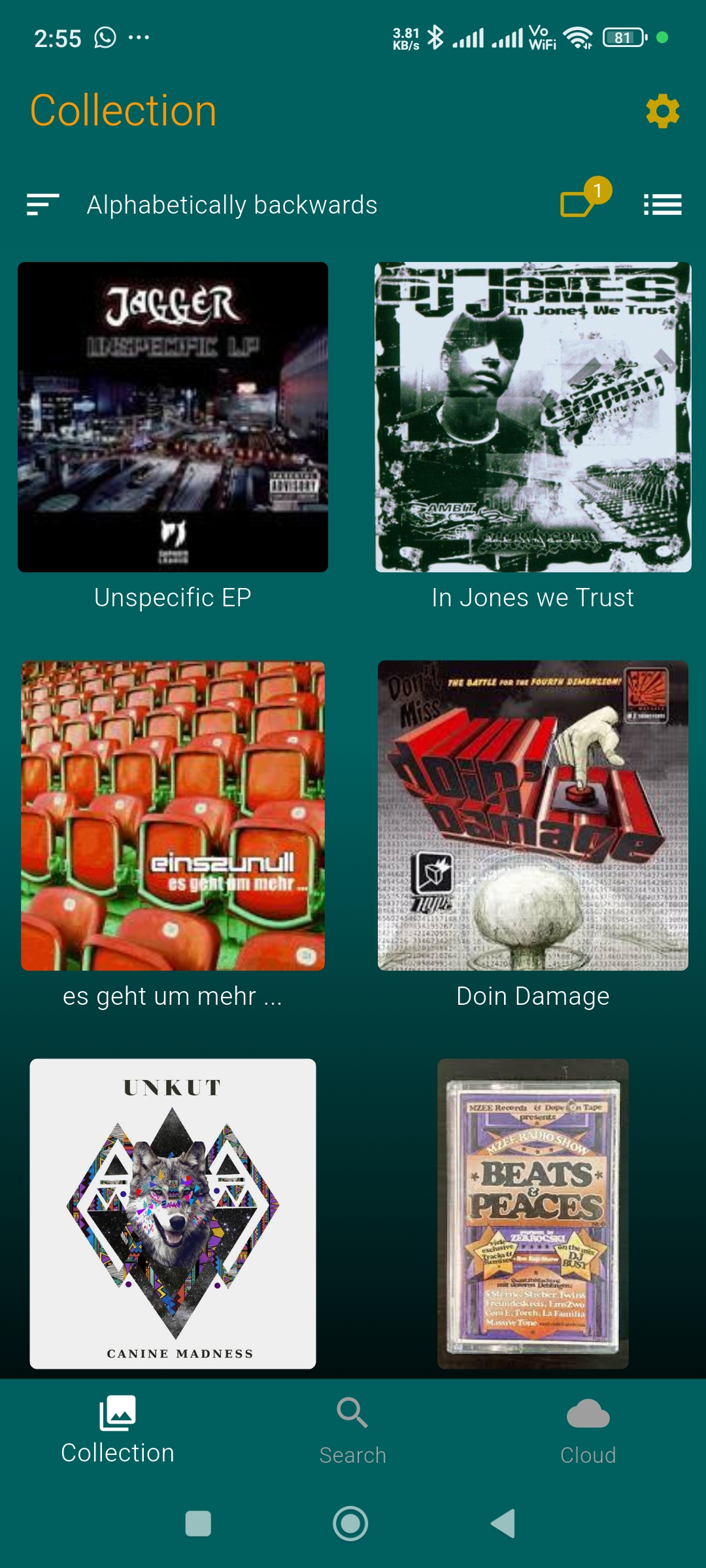
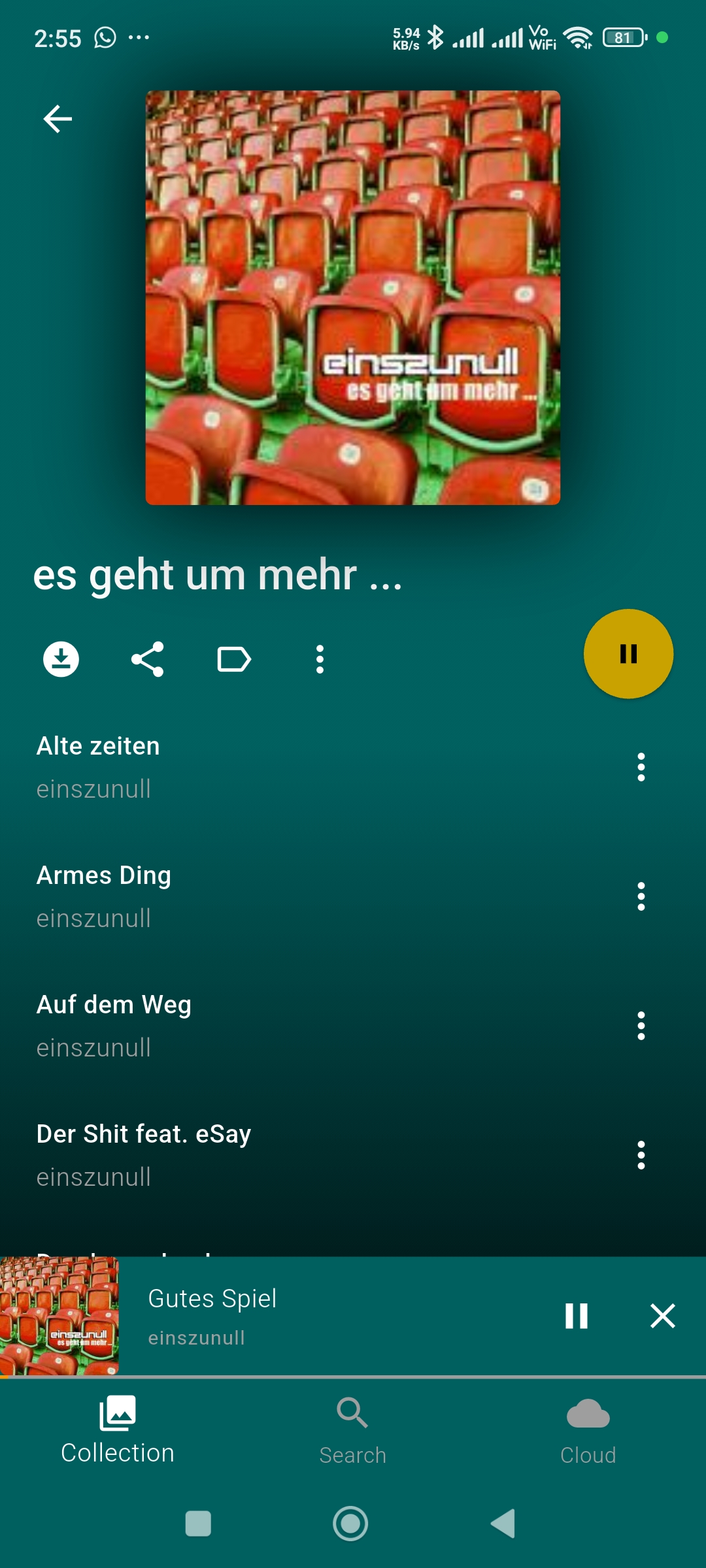
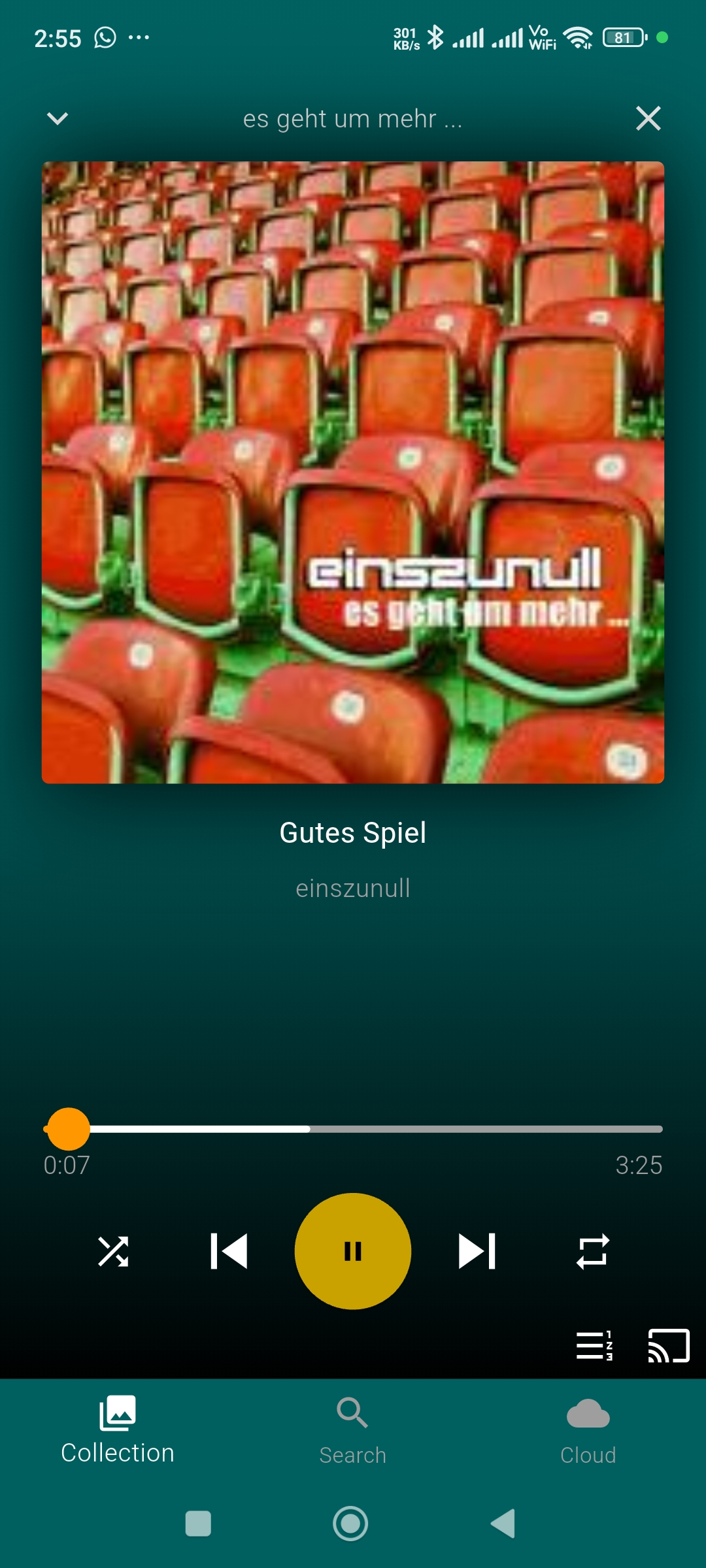
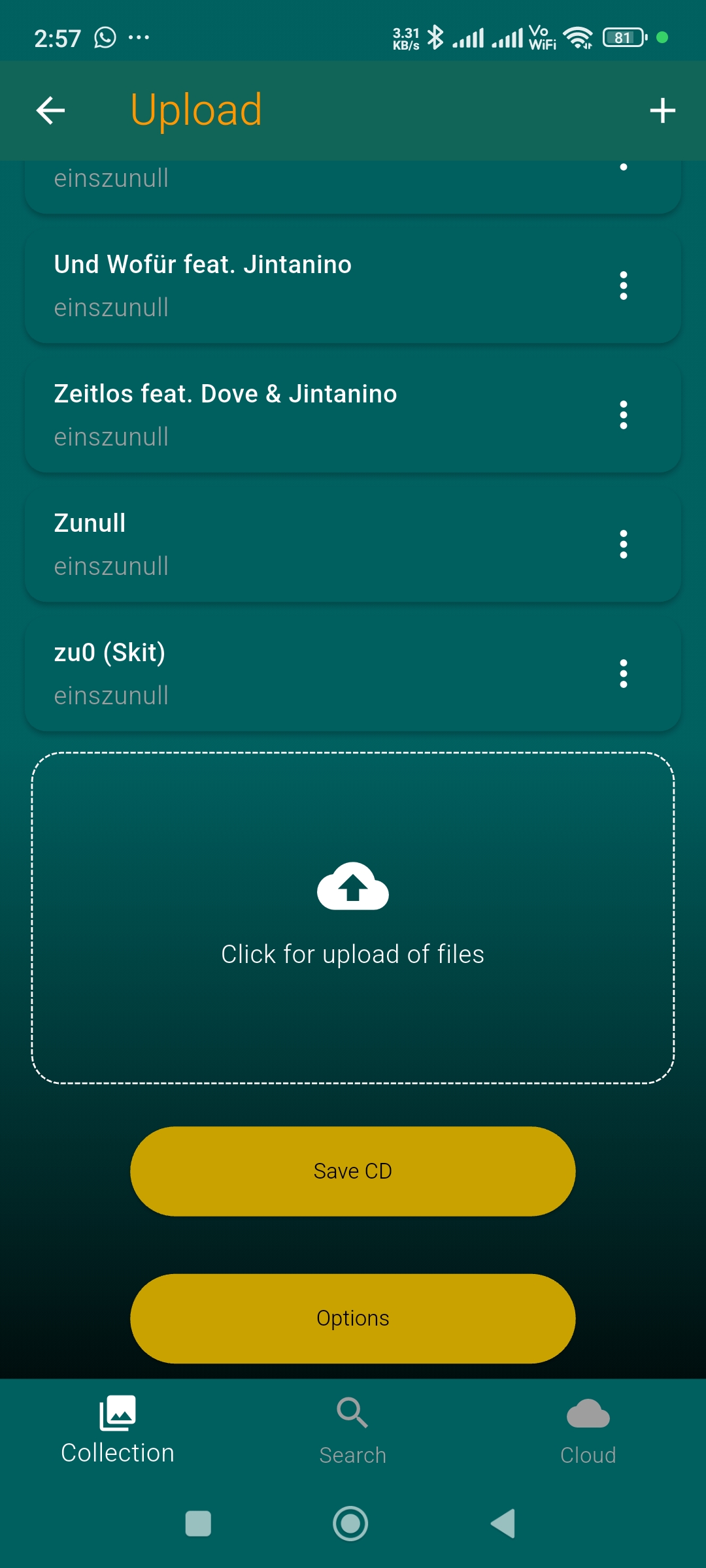
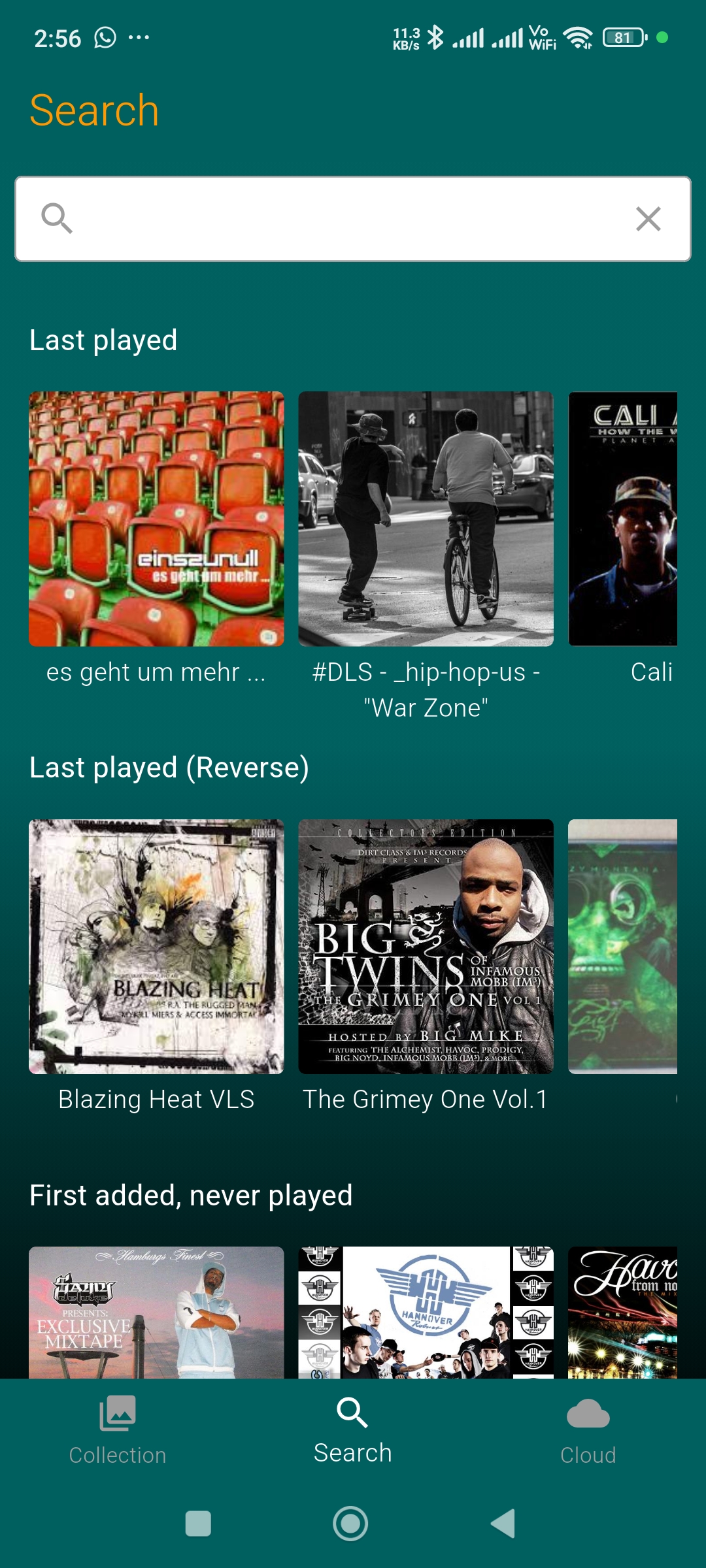
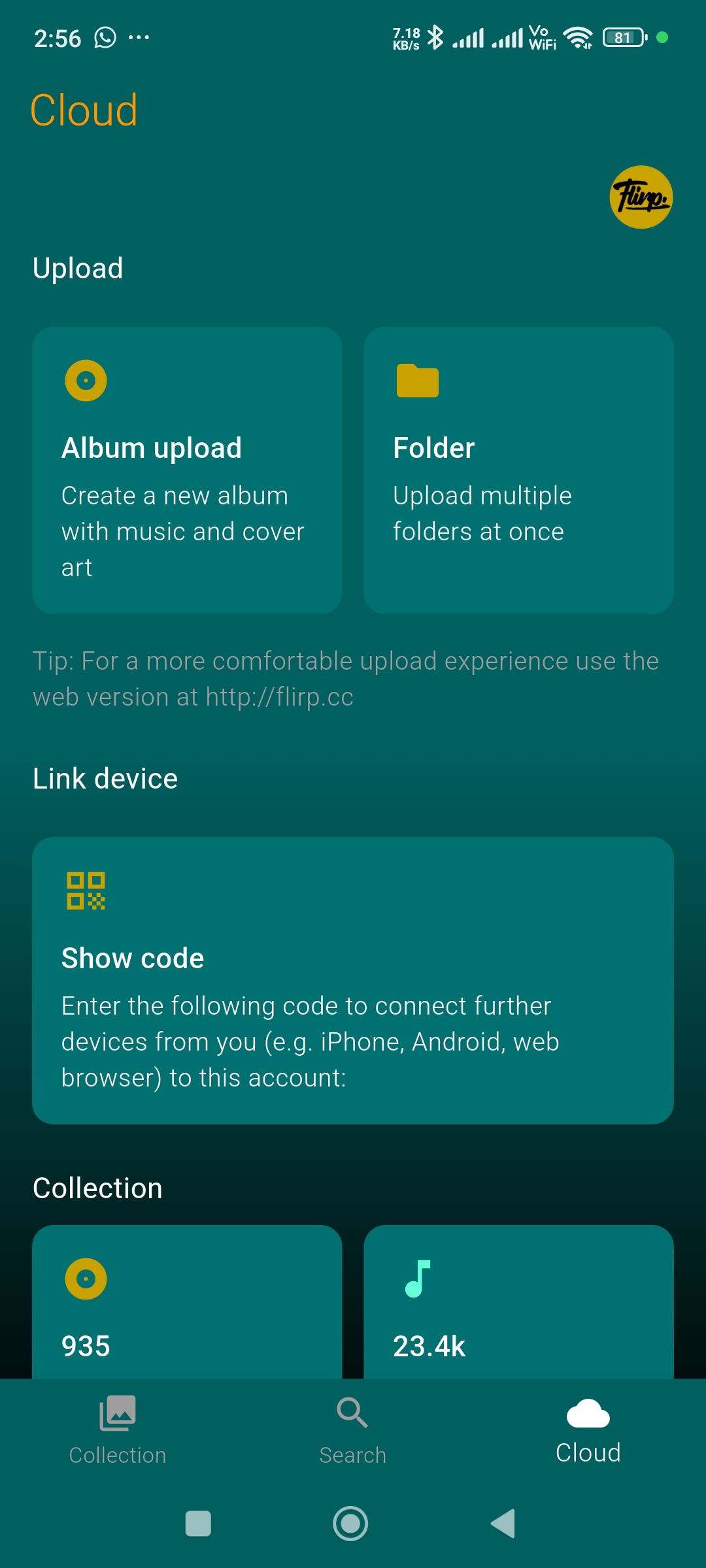
Drop your files into the web uploader or pick them on your phone. flirp.cc auto-converts everything to high-quality streaming formats.
Open the app on any device, sign in with a code, and your whole library is there. Cast to your speakers, listen offline, search instantly.
Hand the music off to your speakers, smart TV or car stereo with Chromecast, AirPlay, DLNA, Apple CarPlay or Android Auto. Background-safe, lock-screen and hardware-key ready.
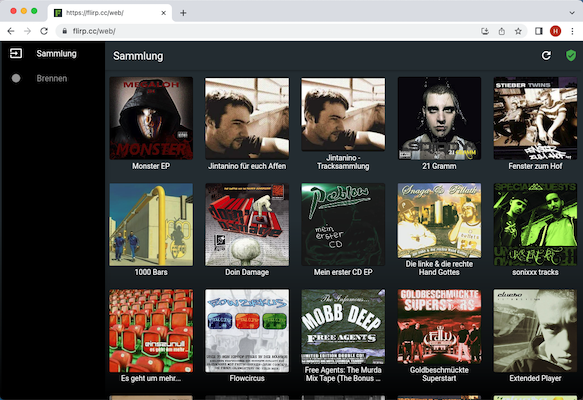
flirp.cc runs as a full web player in any modern browser. Upload, organise and stream your library straight from your laptop — same library, same login, no install required.
No. flirp.cc is a non-commercial project built by a music enthusiast for music enthusiasts. There are no investors, no ads, no tracking, no data sold. The whole point is to give your personal music collection a proper home in the cloud — that's it.
If the service helps you, the best thank-you is to tell another music lover about it.
flirp.cc isn't a streaming catalogue — it's a place to put music you already own. There's no shared library, no licensing deals with record labels, no algorithm feeding you tracks from somebody else's collection.
You bring the music. flirp.cc gives it a home in the cloud, a player on every device, and a way to cast or share it.
Catalogue streaming (Spotify, Apple Music, Tidal & Co.) needs complex licensing with labels and publishers — that's a fundamentally different kind of service. flirp.cc is built for everything those catalogues don't have: your CDs, vinyl rips, live recordings, mixtapes, demos, podcasts, family tapes, B-sides — anything legally yours that's missing from the big platforms. Upload it once and it travels with you.
Generous. flirp.cc is run as a hobby project and is not built around storage tiers — most users will never run into a limit in normal use.
The only hard limit is a 250 MB per-file upload cap, which is more than enough for any single song, even in lossless FLAC. If you ever bump into something while uploading thousands of tracks, just email hello@flirp.cc — we'll sort it out.
Pretty much anything you'll find on a hard drive of CDs and rare recordings:
Lossy: MP3, AAC, M4A, OGG Vorbis, Opus, WMA, MPC (Musepack), MP4 audio
Lossless: FLAC, ALAC (Apple Lossless), WAV, AIFF, APE (Monkey's Audio), WavPack (WV), TTA (True Audio)
Tracker / module: MO3
flirp.cc auto-extracts metadata (ID3 tags, cover art) and transcodes to the right streaming format for whichever device you're playing on — while keeping your original upload intact so you can always grab the lossless source back.
flirp.cc gives you seven quality presets, and you can set them independently for Wi-Fi, cellular and downloads so the player only spends bandwidth and storage when it actually makes sense.
Lossy presets transcode on the fly to the codec that plays back best on your platform. Exact specs per tier:
| Quality | Android | iOS | Web |
|---|---|---|---|
| Optimized | Smart default — best balance of size and quality for the current platform. | ||
| Low | Opus 80 kbps | AAC 96 kbps | MP3 128 kbps |
| Normal | Opus 128 kbps | AAC 160 kbps | MP3 192 kbps |
| High | Opus 192 kbps | AAC 256 kbps | MP3 320 kbps |
| FLAC | Lossless compressed — bit-perfect audio at roughly half the file size of WAV. | ||
| Wav | Lossless uncompressed PCM — every sample untouched, biggest files. | ||
| Original | Pass-through — the exact file you uploaded, in its original format and quality. | ||
Lossless tier — which one to pick? All three (FLAC, Wav, Original) cast at lossless quality to Chromecast / AirPlay / DLNA. FLAC is the practical default — same audio as Wav, half the bytes. Wav only matters if your receiver doesn't decode FLAC. Original ships the file you uploaded byte-for-byte — useful if you uploaded a rare format and want it back exactly that way.
Yes. flirp.cc supports Chromecast, AirPlay, DLNA / UPnP and your device's native audio routes. Pick a device from the cast menu and playback transfers instantly.
Lossless FLAC streams are passed through to receivers that support them, so your hi-fi gets the original bit-stream.
Yes. flirp.cc integrates with the platform media stack on both iOS and Android, which means it shows up in Apple CarPlay and Android Auto like any other audio app — browse your CDs from the head unit, control playback from steering-wheel buttons, see cover art on the dashboard.
Lock-screen controls, Bluetooth audio routes and hardware media keys are all wired up too.
Yes. When the player widget is maximised on iOS or Android, swipe left or right across the cover art to jump to the next or previous track — no need to reach for the skip buttons.
Swipe left = next track. Swipe right = previous track. The artwork slides with your finger and the new track starts as soon as the swipe settles, so you can flick through an album one-handed while you're walking, driving (CarPlay / Android Auto recommended for that) or just lying on the couch.
Yes — there's a full web player at flirp.cc/web with drag-and-drop upload, casting, and the same library you see on mobile. Use it on your laptop while you upload an evening's worth of CDs, then grab your phone and keep listening.
Enter your email — we send a 6-character code. Type it in and you're signed in. The session token stays valid for months, so you rarely need to log in again on the same device, and there's no password to leak or forget.
Yes. Your library is only visible to you unless you explicitly share a CD. There's no public discovery, no algorithm recommending your collection to strangers, no advertising network watching what you listen to. No third-party trackers in the apps.
Data is stored in data centres in Germany and France. See the Privacy Policy for the full details.
Yes. Download any CD for offline listening — pick the quality preset per album so you can balance storage and sound. Flights, subways, dead zones and rural roads are no problem.
Full offline mode kicks in automatically when you put your phone in airplane mode. The app stops trying to reach the network, plays only what you've downloaded, and won't burn through cellular data when you didn't mean to. Switch airplane mode off and the full cloud library snaps back in.
Yes. Free to download, free to use, no ads, no tracking. If you want to support the project, the most useful thing is feedback at hello@flirp.cc — bug reports, feature requests, or just a note that you're enjoying it.
Get the app and bring your collection with you.